

viewing past submissions
overview
after your first submission is sent, you can always go back to the https://spawnd.gg/hub/submissions to see all your previous, sent submissions and their status - as well as start a new submission form.
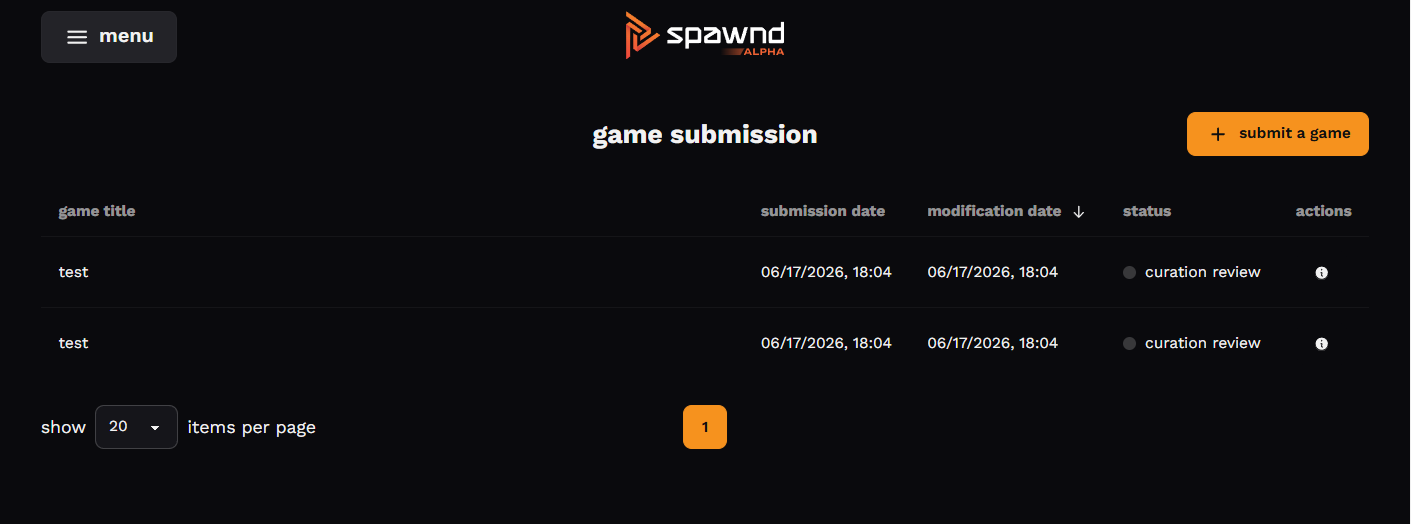
- you can sort the columns of the table in order to find a specific submission quicker.
- clicking on the action button (ℹ️ icon) you can open up a drawer containing the sent submission's detailed information.
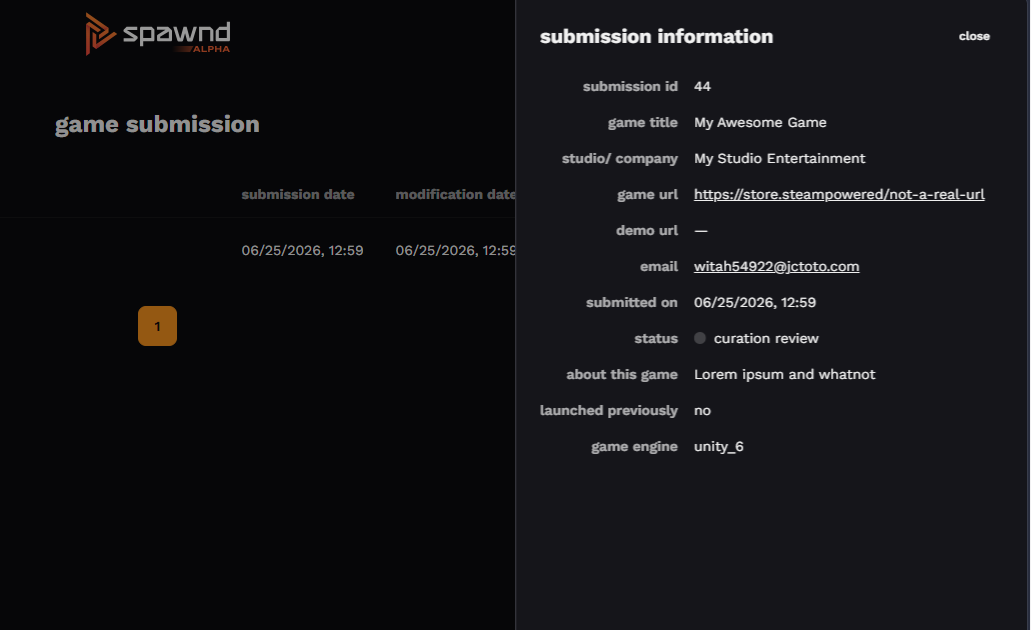
once a submission is approved or rejected (notifications are sent to your registered email address), you can see directly in the drawer the status change, the review date, and the reviewer's notes and feedbacks.
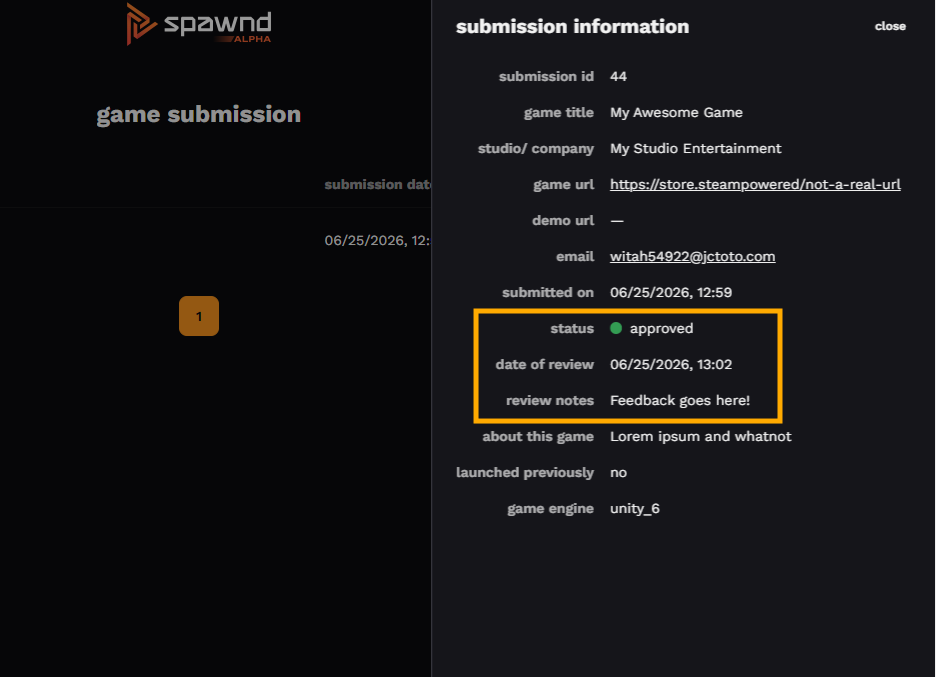
if your submission has already been evaluated, check out the following articles:
Updated about 2 months ago
Did this page help you?