

build upload
overview
to get your game running on spawnd, you need to upload a web build – a .zip file containing your game's web export (e.g., from Unity, Godot, or any engine that exports to HTML5). this is the starting point of the release pipeline: once uploaded, your build goes through processing, testing, review, and finally publishing.
how to upload
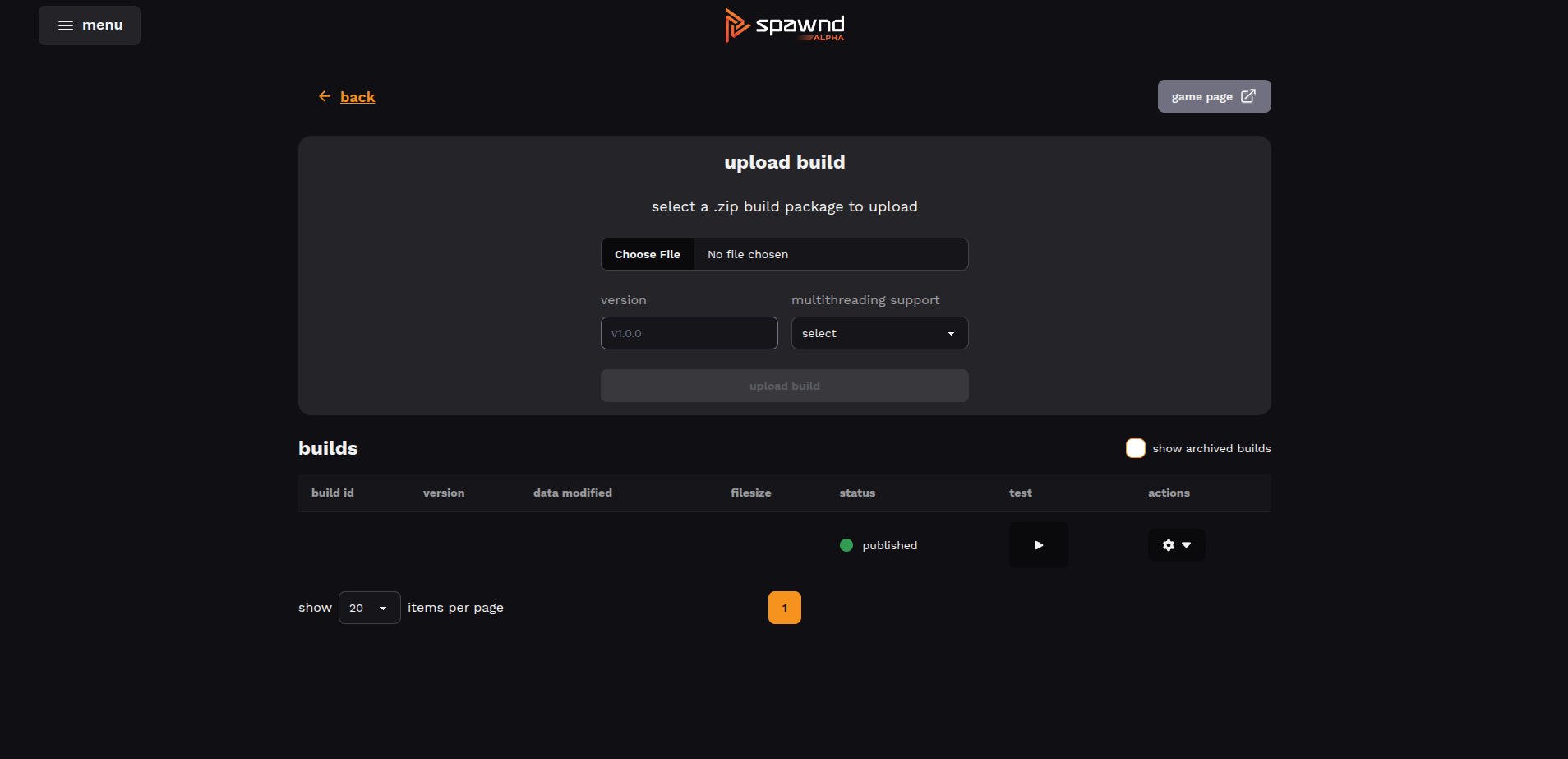
- go to your game's builds screen
- in the upload component at the top, select your .zip file
- optionally, set a version name (e.g.,
v1.0.0) for your own tracking - choose the threading mode — learn more about multithreading
- click upload build
after uploading
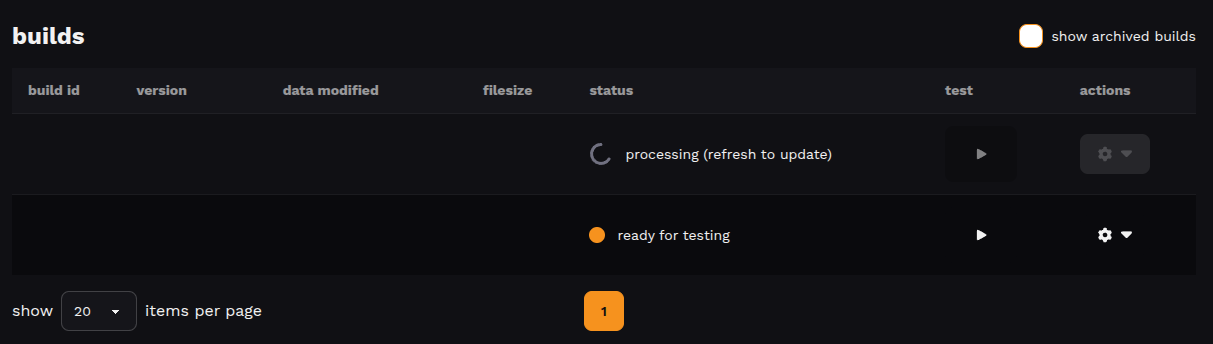
once your file is uploaded, spawnd takes over and runs server-side validation and processing. during this time, the build status will show as processing; there's nothing you need to do while this happens.
when it's done, refresh the page to see the result. if everything went well, the status changes to ready for testing and you can move forward. if something went wrong during validation, it'll show as processing failed; in that case, review your files and try uploading again.
requirements
builds must be uploaded as a .zip file. version names, if used, must be unique per game.
next step
test your build to make sure everything works before moving forward.
Updated about 2 months ago