

archiving builds
overview
as you iterate on your game and upload new versions, older builds can pile up and make the list harder to navigate. archiving lets you hide builds you no longer need from the main view without deleting them. they're still there if you ever need them again.
how to archive
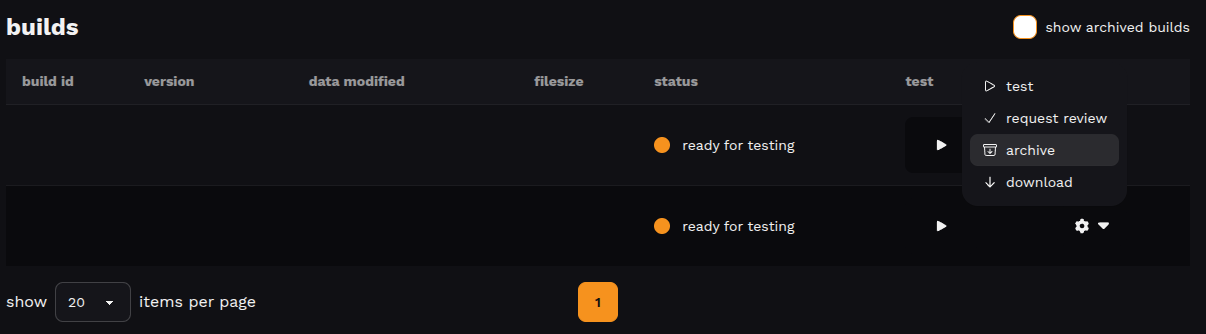
- go to your game's builds screen
- find the build you want to archive
- open the actions menu
- click archive
viewing archived builds
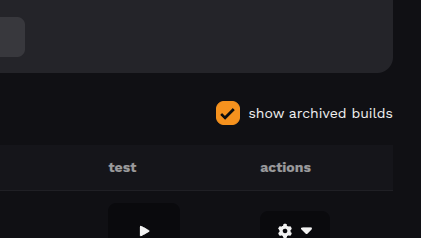
archived builds are hidden by default. to see them, enable the show archived builds checkbox above the builds table.
unarchiving
- enable show archived builds to reveal hidden builds
- open the build's actions menu
- click unarchive
the build will reappear in the main list.
restrictions
published builds can't be archived, you need to publish a different build first. similarly, archived builds can't be published. unarchive them first if needed.
Updated 6 months ago
Did this page help you?