

build testing
overview
before publishing, it's important to test your build on spawnd's actual environment, not just locally. the spawnd hub provides an isolated test environment that is identical to what players will experience: same infrastructure, same browser behavior, same rendering pipeline.
this is especially useful because web builds can behave differently across environments. things like asset loading, audio playback, input handling, and performance may vary between your local setup and a hosted browser context.
how to test
- go to your game's builds screen
- find a build with a testable status (e.g., ready for testing)
- click the test button on that row
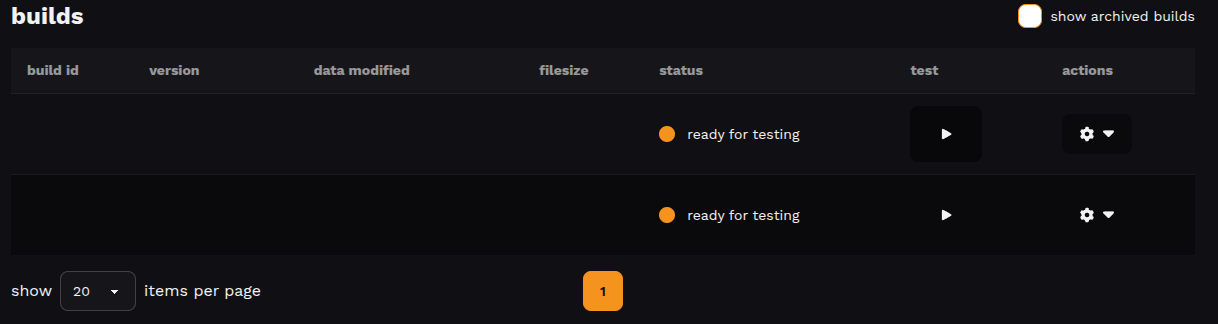
your game will open in the same environment players experience on spawnd, so what you see is what they'll get.
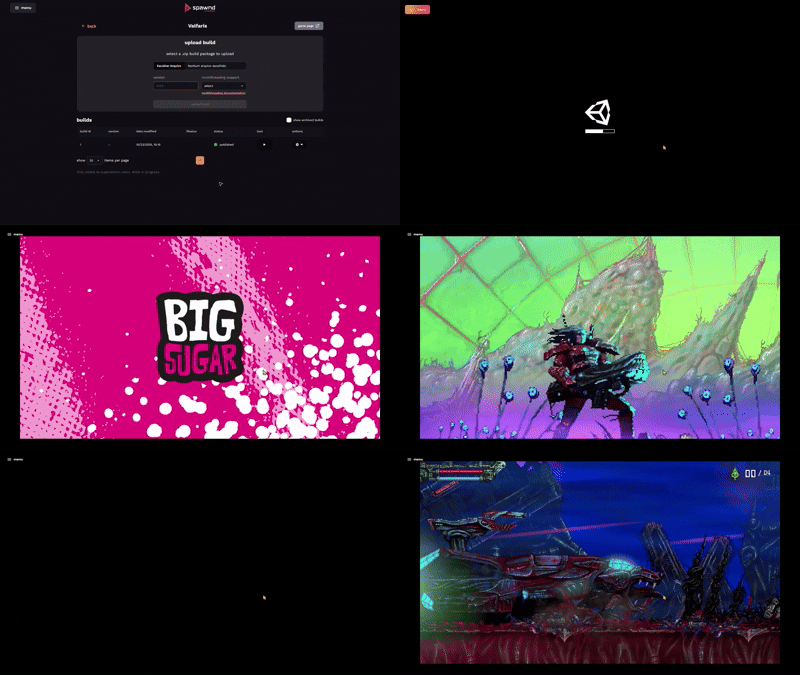
what to look for
since this is a browser-hosted environment, pay attention to things that might behave differently than in a local or native build:
- does the game load and initialize without errors?
- do audio, input, and rendering work as expected?
- is performance stable, especially on initial load?
- does the game handle fullscreen and window resizing properly?
you can check out further guidelines on this article: build technical requirements
next steps
once you're happy with how the build runs, request a review to start the approval process.
Updated about 2 months ago