

downloading builds
overview
spawnd keeps all your uploaded builds available for download. this can be useful for keeping local backups, debugging issues by comparing versions, or sharing a specific build with someone on your team.
how to download
- go to your game's builds screen
- find the build you want
- open the actions menu
- click download
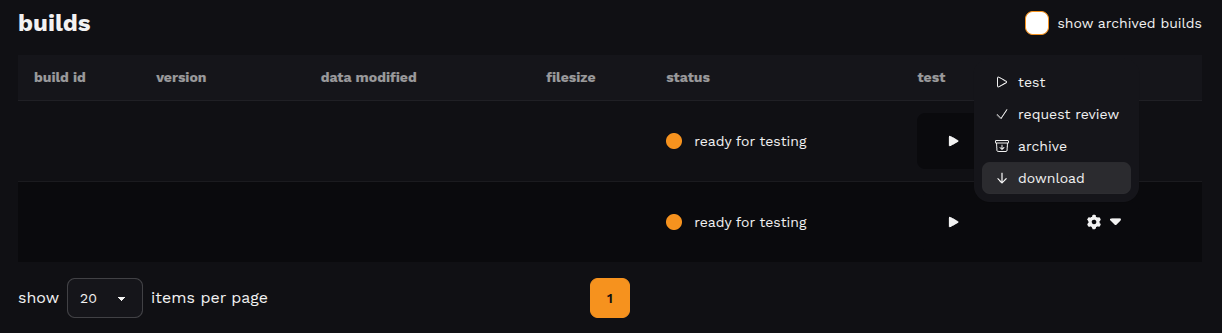
the original .zip file you uploaded will be downloaded to your device.
good to know
all builds remain available for download regardless of status.
Updated 6 months ago
Did this page help you?