

game analytics
overview
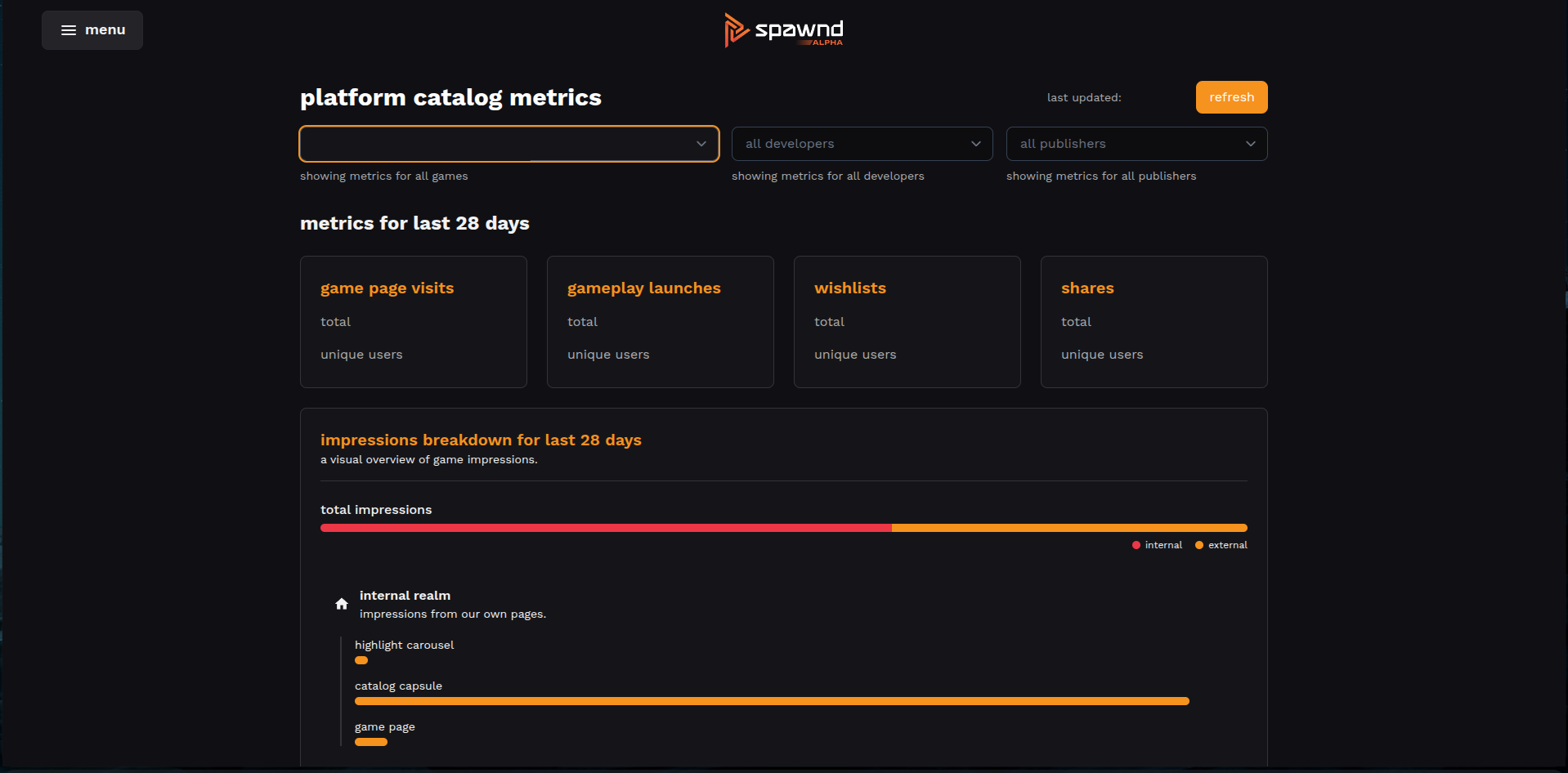
the metrics screen gives you visibility into how players are discovering, engaging with, and playing your game on spawnd. use it to understand what's working, spot trends over time, and identify areas worth improving.
how to access analytics
- go to the analytics section in the spawnd hub
- select the game you want to analyze
what's tracked
page interactions
these give you a sense of how much attention your game is getting and how often players are actively engaging with your page.
| metric | description |
|---|---|
| page visits | how many times your game page was viewed |
| wishlists | how many times players added your game to their wishlist |
| shares | how many times your game was shared |
discovery
clickable impressions track how often your game appeared in interactive elements across spawnd (launch button, carousel, capsules). this metric is broken down by placement type (launch button, carousel video, carousel capsule, standard capsule) and by source (internal spawnd pages vs. external embeds).
this helps you understand where players are finding your game and which placements are driving the most visibility.
gameplay
gameplay metrics help you understand player retention at a high level. for example, comparing average playtime against the p50 can tell you whether a few long sessions are skewing the average, or if most players are staying for a similar amount of time.
| metric | description |
|---|---|
| sessions launched | total gameplay sessions started |
| unique players | distinct players who launched your game |
| total playtime | combined play time across all sessions |
| average playtime | average session duration |
| playtime distribution | percentile breakdown (p25, p50, p75, p95) |
how they're calculated
all metrics come from events tracked during real user interactions. each metric includes both total count and unique users where applicable. gameplay data is derived from individual game sessions.
Updated 6 months ago